
You just finished a long day and want to relax with a new game. You fire up your console. You open the store. But then you realize you don’t want to link a credit card. This happens to gamers all the time.
There is a simple solution. It keeps your banking details safe and makes budgeting easy. It gives you access to thousands of games instantly.
We are talking about PSN Guthaben.
This credit system powers the entire PlayStation ecosystem. It lets you buy games, movies, and subscriptions without hassle. In this guide, we will show you exactly how it works. You will learn how to buy it and how to redeem it quickly.
Let’s dive in.
What Is PSN Guthaben and How Does It Work?
PSN Guthaben is simply the German term for PlayStation Network credit. It functions as a digital currency for your account. You load money into your digital wallet. Then you spend that balance in the PlayStation Store.
Think of it like a prepaid gift card. You add value to your account first. You buy content second. This separation offers security and control.
Read also What Is PSN Guthaben? The Ultimate Gamer’s Guide
Why Gamers Prefer Prepaid Credit
Most of the time, gamers prefer this method over direct credit card payments. It offers a layer of privacy. You do not need to share sensitive banking info with Sony directly.
It also helps you manage spending. You can only spend what you have loaded into your wallet. This is great for parents or gamers on a budget.
Here is the thing though. It is not just about safety. It is also about flexibility. You can use this credit for almost anything on the platform.
What You Can Buy
Your wallet balance opens up a huge library of content.
- Full Games: Buy the latest blockbusters or indie hits.
- DLC and Add-ons: Get new maps, skins, or story expansions.
- Subscriptions: Pay for PlayStation Plus Essential, Extra, or Premium.
- Movies: Rent or buy films directly on your console.
- In-Game Currency: Purchase V-Bucks or other virtual coins.
How to Buy PlayStation Credit
You have several ways to top up your account. You can choose the method that fits your lifestyle best.
Digital Codes from Online Retailers
This is the most popular method. You visit an online shop like Amazon or dedicated key sellers. You select the amount you want. After paying, you receive a code instantly via email.
The amounts usually range from 10€ to 100€. This flexibility lets you buy exactly what you need.
Physical Gift Cards
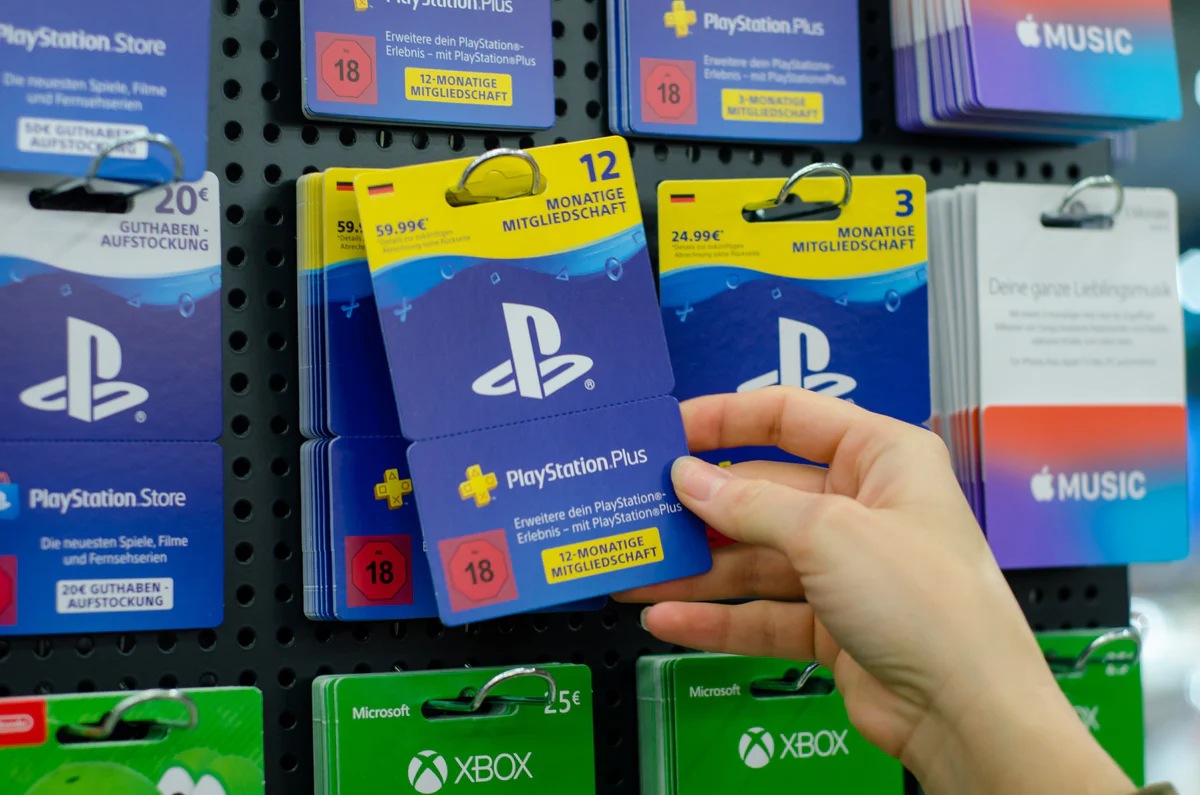
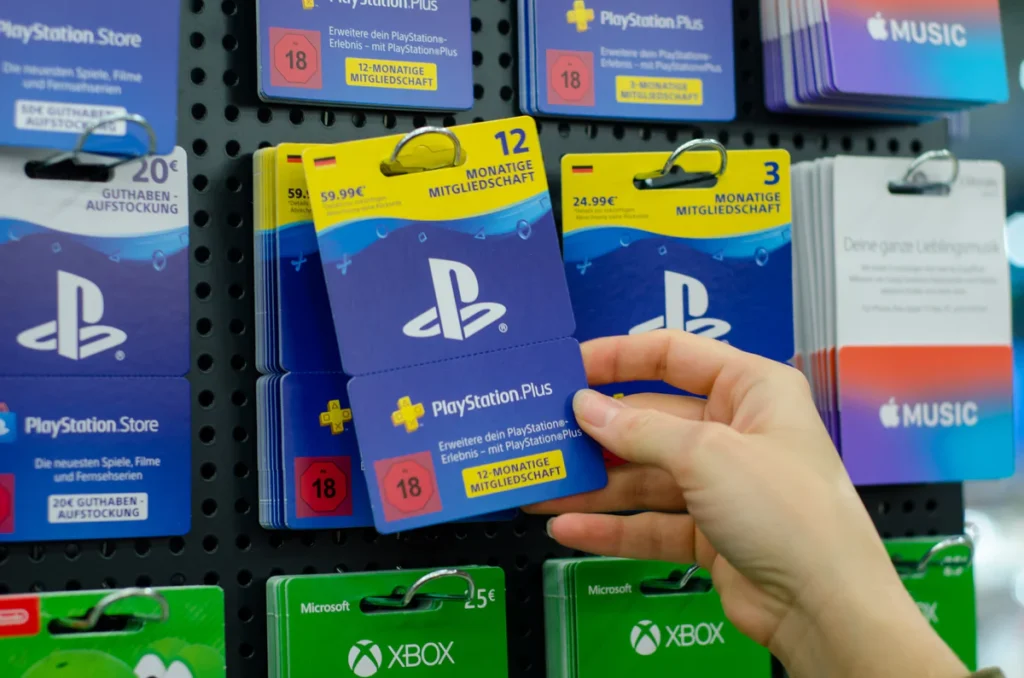
You can still find physical cards in retail stores. You will see them at supermarkets, gas stations, and electronics shops.
Look for the blue cards with the PlayStation logo. You pay at the register. The cashier activates the card. You take it home and scratch off the back to reveal the code.
Direct Top-Up
You can also add funds directly through the console. You link a PayPal account or credit card. You select “Add Funds” in the store menu.
Now, you might be wondering if this defeats the purpose of prepaid credit. It depends. If you want speed, this works well. If you want privacy, stick to codes.
How to Redeem Your PSN Code
Once you have your code, you need to add the money to your wallet. The process is fast and simple.
On Your Console (PS4 or PS5)
- Go to the PlayStation Store from your home screen.
- Scroll to the top of the menu (or the “More” menu on PS5).
- Select “Redeem Codes”.
- Enter the 12-digit code carefully.
- Select “Redeem” to finish.
The funds appear in your wallet instantly.
Read also Battlefield 6: The Ultimate All-Out Warfare Guide
On a Web Browser
You can do this from your phone or computer too.
- Visit the PlayStation Store website.
- Log in to your account.
- Click on your avatar icon.
- Select “Redeem Codes” from the drop-down menu.
- Type in the code and confirm.
Between you and me, using the phone app is often faster than typing on a controller.
Common Problems and Fixes
Sometimes things do not go as planned. Here are common issues users face with PSN Guthaben.
| Problem | Potential Cause | Solution |
|---|---|---|
| Code Invalid | Typo or wrong region | Check digits closely. Ensure code matches your account region. |
| Code Inactive | Retailer error | Contact the store where you bought the card. |
| Wallet Limit Reached | Too much funds | Spend some credit. The wallet has a maximum limit. |
Look, I’ll be honest with you. Most errors are simple typos. The letters B, 8, D, and 0 often look similar. Double-check every character.
Also, region locking is a major factor. You cannot use a German Euro code on a US account. The currency and region must match exactly.
Benefits of Using Prepaid Credit
We mentioned security earlier. But there are other solid reasons to use this method.
Avoiding Recurring Charges
Subscriptions can be tricky. If you link a credit card, auto-renew is usually on. You might forget to cancel.
If you pay with wallet funds, the subscription stops when the funds run out. You avoid surprise charges on your bank statement.
Gifting Made Easy
You cannot wrap a digital download. But you can gift a code. It makes the perfect gift for any gamer. They get to choose the game they actually want.
In our experience, gamers appreciate the freedom of choice more than a random game disc.
[Internal link: Guide to PlayStation Plus tiers]
Expert Tips for Smart Shoppers
You can stretch your money further if you are smart about it.
Wait for Sales: Sony holds massive sales regularly. Your credit goes further during “Days of Play” or Black Friday events.
Buy Discounted Credit: Some reputable sites sell gift cards for less than face value. You might pay 45€ for a 50€ card. That is free money for games.
Stack Your Subscription: Use your credit to buy a year of PS Plus when it is on sale. You save money on the sub and use cheaper credit to pay for it.
FAQs About PlayStation Credit
Can I transfer PSN Guthaben to another account?
No. Once you redeem a code, the funds are locked to that specific account. You cannot move money between users.
Do these funds expire?
Generally, funds in your wallet do not expire. However, unredeemed voucher codes may have an expiration date printed on them. Check the fine print.
Can I use wallet funds for hardware?
In most regions, wallet funds are only for digital content. You cannot use them to buy consoles or controllers from the direct store.
Is there a limit to how much I can hold?
Yes. Sony places a cap on wallet funds. This limit varies by region but is often around 150€ or $150.
Can I get a refund on wallet top-ups?
Refunds are very rare for wallet top-ups. Sony usually considers the transaction final once the code is redeemed. Be sure before you redeem.
Does PSN Guthaben work on PS3 or Vita?
Yes. The wallet is shared across all systems. However, you may need to add funds via PC or mobile for older legacy consoles.
Conclusion
PSN Guthaben is the fuel for your PlayStation experience. It offers safety, control, and flexibility. It protects your bank data and helps you stick to a budget.
Whether you buy physical cards or digital codes, the process is simple. You redeem the code and start downloading.
Next time you want a new game, consider using prepaid credit. It might just save you money and hassle.
Ready to play? Grab a code, top up your wallet, and jump into your next adventure today.